
Industrial Inkjet Systems: Print Quality Issues to Check First
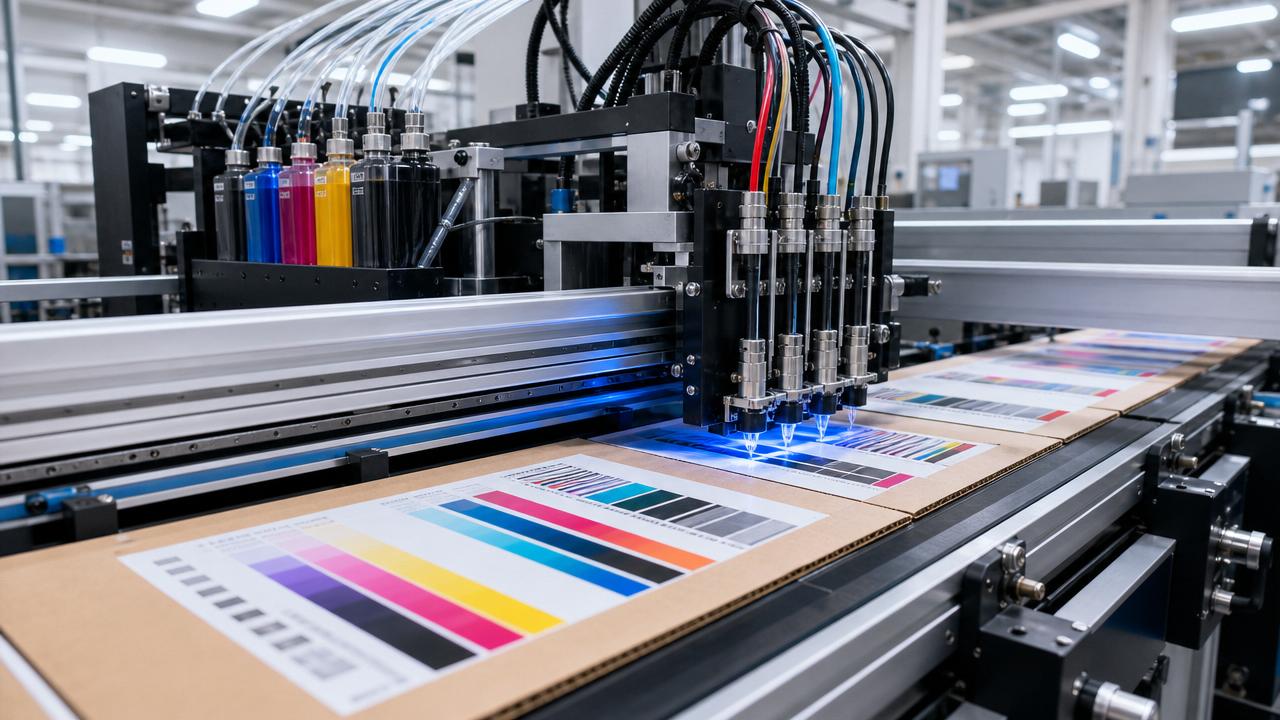
When defects appear in industrial inkjet systems, the fastest recovery usually starts with first-line checks. Before changing major parts, verify printhead condition, ink behavior, substrate response, and data integrity. These four checkpoints often explain banding, color drift, missing nozzles, weak adhesion, and blurred details. A disciplined inspection routine reduces downtime, limits waste, and keeps industrial inkjet systems stable across packaging, paper converting, and digital print applications.
What should be checked first in industrial inkjet systems?
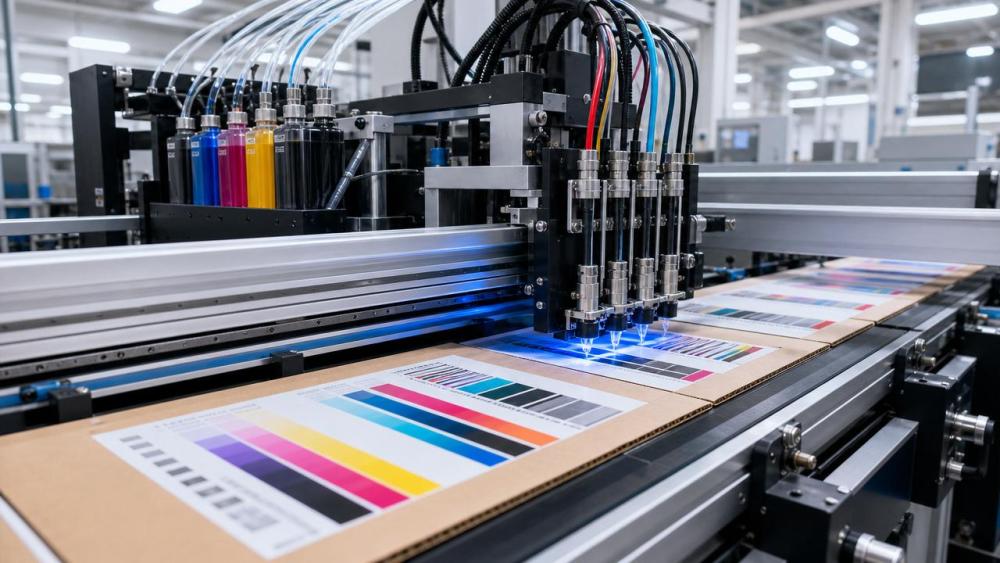
Start with the simplest variables before assuming a complex hardware failure. In industrial inkjet systems, early checks should follow a logical sequence.
Look at the print sample carefully. Note whether the problem is repeatable, random, color-specific, or tied to a substrate batch.
Then inspect four essentials:
- Printhead nozzle health and alignment
- Ink viscosity, temperature, and contamination level
- Substrate surface energy, coating, and moisture balance
- RIP data, file resolution, and communication stability
This order matters because many visible defects come from basic process drift. Replacing parts too early can waste time and budget.
For industrial inkjet systems used in corrugated, labels, tissue wrapping, or folding carton workflows, the same first-step logic applies.
How do printhead issues affect print quality?
Printheads are usually the first suspect because they directly shape droplet placement. However, not every defect means the printhead is damaged.
Common printhead-related symptoms include:
- Banding across the print direction
- Missing lines or weak density
- Satellite drops and fuzzy edges
- Color-to-color misregistration
Begin with a nozzle test pattern. If missing nozzles appear, compare results after purging and cleaning. A recovered pattern suggests maintenance, not replacement.
Check head height as well. If the gap is too large, droplets lose accuracy. If too low, head strikes may damage the plate.
Alignment matters in high-speed industrial inkjet systems. Slight positional drift can create shadows, double images, or fine-text blur.
Do not ignore environmental buildup. Dust, paper fibers, and dried ink near the nozzle plate often mimic deeper hardware problems.
Quick printhead diagnosis checklist
- Run a nozzle check before production restart.
- Inspect the faceplate under proper lighting.
- Verify printhead temperature and jetting waveform settings.
- Confirm alignment after maintenance or media changes.
- Review cleaning frequency for overcleaning or undercleaning.
Why do ink stability and fluid settings cause defects?
Ink problems often look like printhead problems. In industrial inkjet systems, fluid behavior controls droplet size, speed, and landing consistency.
If viscosity drifts outside the target window, the printer may produce weak color, unstable firing, or edge ragging. Temperature shifts can trigger this quickly.
Contamination is another frequent cause. Microbubbles, dried particles, or mixed chemistry can block flow and distort jetting.
Pay attention to these warning signs:
- Defects appear after long idle periods
- Color density changes between shifts
- The same file prints differently on different days
- Nozzle dropout returns after repeated cleaning
For industrial inkjet systems in packaging plants, seasonal changes can affect ink room conditions. That makes temperature control and circulation checks essential.
Always verify shelf life, agitation routine, and filtration condition. Small neglect in fluid management often leads to recurring quality complaints.
Can the substrate be the real source of print quality issues?
Yes. Many print defects originate on the material side. Industrial inkjet systems can only perform well when the substrate accepts ink predictably.
Corrugated liner, coated paper, tissue wrap, and specialty board all react differently. Surface energy, porosity, roughness, and absorbency change the final image.
Typical substrate-driven issues include low adhesion, mottling, feathering, slow drying, and poor barcode readability.
Check whether the defect follows one roll, one pallet, or one supplier batch. That pattern often points to substrate variation.
In industrial inkjet systems printing on corrugated board, flute profile and surface unevenness also matter. Uneven topography can reduce drop accuracy at speed.
Key substrate factors to review
- Coating type and curing compatibility
- Moisture level and storage conditions
- Surface cleanliness and dust load
- Flatness, caliper variation, and web tension stability
If a print performs well on one substrate and fails on another, compare pretreatment, drying energy, and color profile before changing hardware.
How can data transfer and RIP settings create output errors?
Not all quality issues are mechanical. Industrial inkjet systems depend on accurate data flow from file preparation to the print engine.
A corrupted file, incorrect resolution, color conversion error, or unstable communication link can generate visible defects without any fluid issue.
Signs of data-related trouble include repeated artifacts in fixed locations, incorrect gradients, jagged text, or inconsistent variable printing content.
Review the RIP queue, file format, and image scaling settings. Also confirm that encoder feedback and transport synchronization are correct.
In high-speed industrial inkjet systems, timing errors between transport and jetting can look like nozzle failure. The difference becomes clear during repeatability checks.
If defects happen only with certain jobs, compare source files. If all jobs fail similarly, the root cause is more likely process or hardware related.
What are the most common troubleshooting mistakes?
The biggest mistake is changing multiple variables at once. That makes root cause tracking difficult and often extends downtime.
Another common error is assuming every defect needs a spare part. In industrial inkjet systems, maintenance history often explains recurring quality drift.
Avoid these traps:
- Skipping test patterns before adjustment
- Ignoring ink room temperature records
- Testing on a different substrate than production stock
- Cleaning aggressively without checking contamination source
- Overlooking software logs and communication alarms
A simple escalation path works better. Start with observation, isolate one variable, document the result, and only then move deeper.
Which checkpoints should be documented in a fast diagnosis routine?
A written routine speeds future fault recovery. Industrial inkjet systems benefit from standard records across shifts, substrates, and production lots.
This kind of table helps compare events across machines and shifts. It also improves preventive maintenance in industrial inkjet systems.
For stronger process control, attach sample photos, environmental values, substrate codes, and maintenance timestamps to every quality incident.
Industrial inkjet systems deliver reliable output when diagnosis starts with basics, not assumptions. Check printhead health, ink stability, substrate fit, and data accuracy first. These early checkpoints resolve many defects faster than major part replacement. Build a short, repeatable troubleshooting routine, document each result, and use those records to prevent repeated faults. Consistent first-line inspection is one of the most practical ways to protect uptime, print quality, and production efficiency.
Industry Briefing
Get the top 5 industry headlines delivered to your inbox every morning.
Recommended News