
Post-Press Equipment Buyer Guide for Cost and Downtime Control
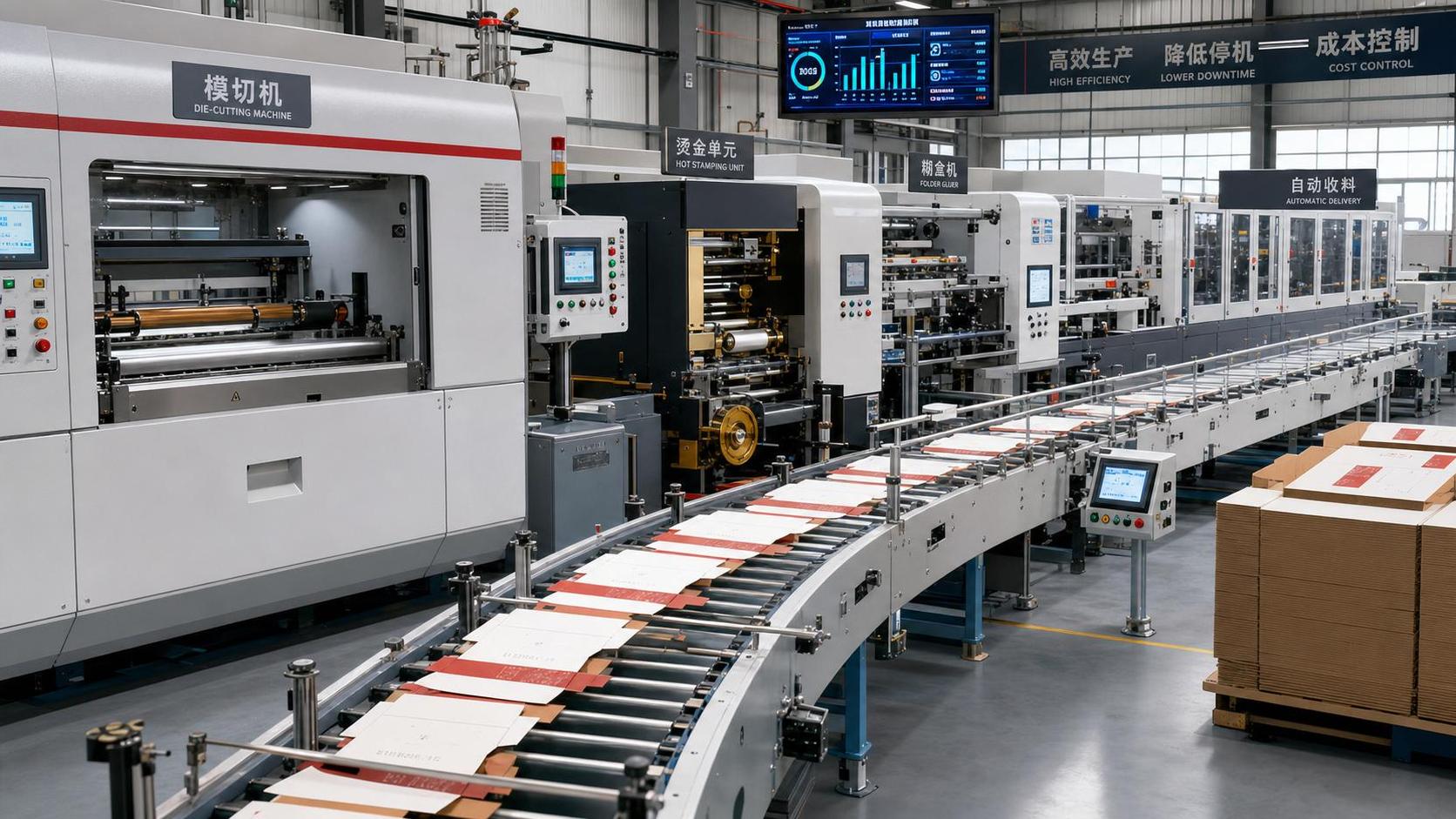
Post-Press Equipment Buyer Guide for Cost and Downtime Control
For procurement teams under pressure to reduce total cost and avoid production delays, this post-press equipment buyer guide commercial printing overview offers a practical starting point.
From die-cutting and stamping to folder gluing and finishing automation, the right buying decision can directly improve uptime, labor efficiency, and output consistency.
It also lowers maintenance risk across modern print and packaging operations, where lost hours often cost more than the machine itself.
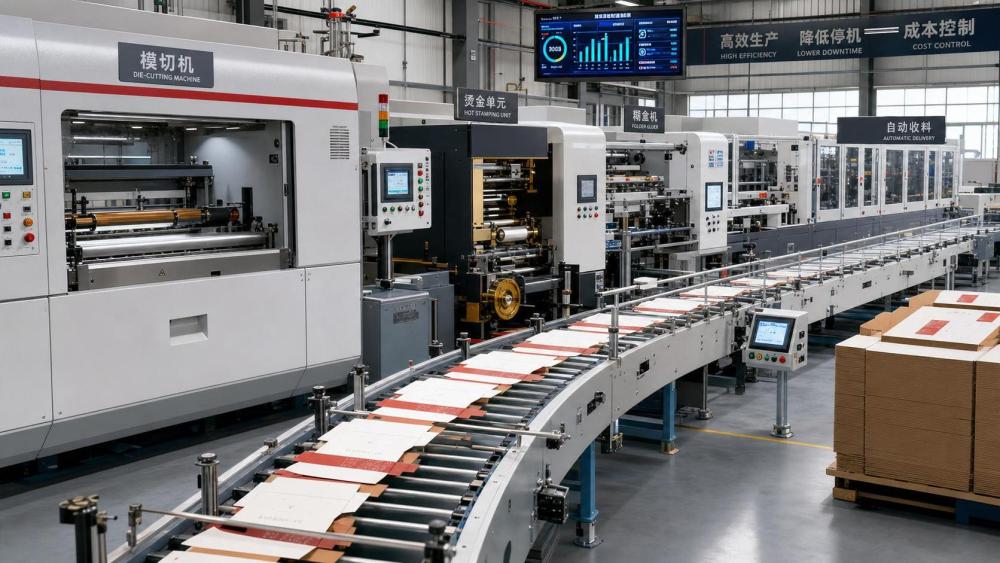
In commercial printing, post-press performance shapes delivery reliability. A press line can run perfectly, yet one unstable finishing unit can still break the schedule.
That is why a solid post-press equipment buyer guide commercial printing plan should focus on total operating impact, not only purchase price.
Start with the real cost picture
The first mistake in post-press buying is comparing only headline prices. Lower capex can hide higher glue waste, slower setup, and frequent stoppages.
A better method is to map five cost layers before issuing any RFQ. This keeps the post-press equipment buyer guide commercial printing process grounded in actual plant economics.
- Acquisition cost, including tooling, installation, commissioning, and operator training.
- Operating cost, including power, glue, foil, make-ready waste, and labor hours.
- Maintenance cost, including wear parts, service intervals, and emergency callout exposure.
- Downtime cost, including missed shipments, overtime, and idle upstream equipment.
- Upgrade cost, including software, automation modules, and future line integration.
In practice, downtime cost is usually underestimated. One unstable die-cutter can hold back printing, stripping, packing, and customer dispatch at the same time.
That also means the best commercial printing investment is often the machine with the most predictable daily output, not the fastest brochure number.
Match equipment type to job mix
Every post-press equipment buyer guide commercial printing review should begin with job structure. Volume, substrate, SKU frequency, and finish complexity matter more than brand reputation alone.
Die-cutting and stamping
For cartons, labels, and premium packaging, focus on registration stability, changeover time, and tooling compatibility. High nominal speed means little if makeready takes too long.
Ask whether the machine handles mixed board grades without constant adjustments. Short-run decorative work needs flexibility. Long-run commodity work needs rhythm and repeatability.
Folder gluers
For folding and gluing, output quality depends on feeding accuracy, glue control, and carton squareness. Poor alignment creates rework, complaints, and hidden labor drain.
If SKU counts are rising, look for automated setup memory, servo adjustment, and inspection systems. These features reduce startup waste and support consistent handoff between shifts.
Finishing automation
Automation modules deserve special attention in any post-press equipment buyer guide commercial printing checklist. Auto-feeding, blanking, counting, bundling, and visual inspection can reshape labor economics.
The right level depends on shift availability and defect cost. Full automation is not always necessary, but partial automation often pays back faster than expected.
Downtime control should drive the shortlist
More visible speed is attractive, but reliability is where commercial printing buyers usually win or lose. A machine that stops less often protects schedules and customer confidence.
When evaluating suppliers, ask direct uptime questions. Generic promises are not enough. The answers should be specific, recent, and linked to similar operating conditions.
- What is the average unplanned stoppage rate at comparable sites?
- Which parts fail most often in the first three years?
- How long is the typical lead time for critical spare parts?
- Can remote diagnostics solve alarms without waiting for travel?
- What operator errors cause the highest share of downtime?
This is where IPPS-style market intelligence becomes useful. Machine design matters, but service responsiveness, spare stock, and software support often decide real uptime.
A practical post-press equipment buyer guide commercial printing process should score downtime risk as heavily as throughput and price.
Key comparison points before final approval
Once the shortlist is set, move from general claims to measurable criteria. This keeps cross-functional reviews aligned and reduces late-stage decision drift.
A strong commercial printing purchase case should include benchmark data from trials, reference visits, and actual sample conversion, not just catalog claims.
Questions that expose hidden risk
From recent market shifts, the clearer signal is this: complexity is rising faster than labor stability. That changes how post-press equipment should be evaluated.
Before signing, push the supplier beyond standard presentations. The best post-press equipment buyer guide commercial printing teams ask uncomfortable but practical questions.
- What performance assumptions are required to reach the quoted output?
- Which consumables are proprietary, and how does that affect annual cost?
- What training is included for new hires after commissioning?
- How are software updates delivered, validated, and supported?
- What happens if board quality or ambient conditions change?
These questions reveal whether the machine is robust in real production, not only in ideal demo conditions. That distinction matters when delivery windows are tight.
Build a buying decision around lifecycle value
A useful post-press equipment buyer guide commercial printing decision does not end at vendor selection. It continues through installation, acceptance, and the first year of use.
Set target metrics early. Track setup minutes, waste percentage, OEE trend, operator dependency, and mean time to recovery after faults.
This approach turns the purchase into a managed business case. It also gives a clean basis for future expansion, automation upgrades, or supplier renegotiation.
For commercial printing operations facing margin pressure, the smartest choice is usually the system that keeps converting jobs with fewer interruptions and fewer surprises.
Use this post-press equipment buyer guide commercial printing framework to compare options with discipline, challenge weak assumptions, and move toward lower cost with steadier output.
Industry Briefing
Get the top 5 industry headlines delivered to your inbox every morning.
Recommended News